
You have ten minutes before a meeting about a project you just inherited. You open a fresh chat, paste in the epic, the kickoff plan, and a few notes you scribbled down, and wait for AI to pull out some insights. Meanwhile your other projects are stuck on to-dos other people still owe you, and the updates you need are sitting in emails you haven't read yet. AI can't really help with any of this, because it only knows what you just pasted and has no deeper context.
I don't know many people who use AI the way I do, and that holds across roles: product managers, colleagues, executives. They're every bit as capable. They just use it one task at a time, because that's how chat taught all of us to use it. Summarize this email, rewrite this paragraph, draft these slides (you can start there, but please make edits), then close the tab and start over next time.
But knowledge work depends on deep context. Projects move at their own pace, some every day and some every couple of weeks: a pricing refresh, a launch, a vendor review. Any one of them can pick up a new requirement in a morning meeting, a decision in a hallway, or a promise in a Slack thread. If AI only ever sees one task at a time, it can't help you keep any of that straight, so every prompt you give it starts from scratch.
With a little setup, those same one-offs can start from a knowledge base that already knows your projects, so they get faster and more accurate. That's what a lot of folks call a second brain, and it's the single biggest change in how I work now.
So what is a second brain?
A second brain is a system that keeps track of every project you're on, stays up to date as things change, and can help with any of them because it already has your context. And it's easy to set one up!
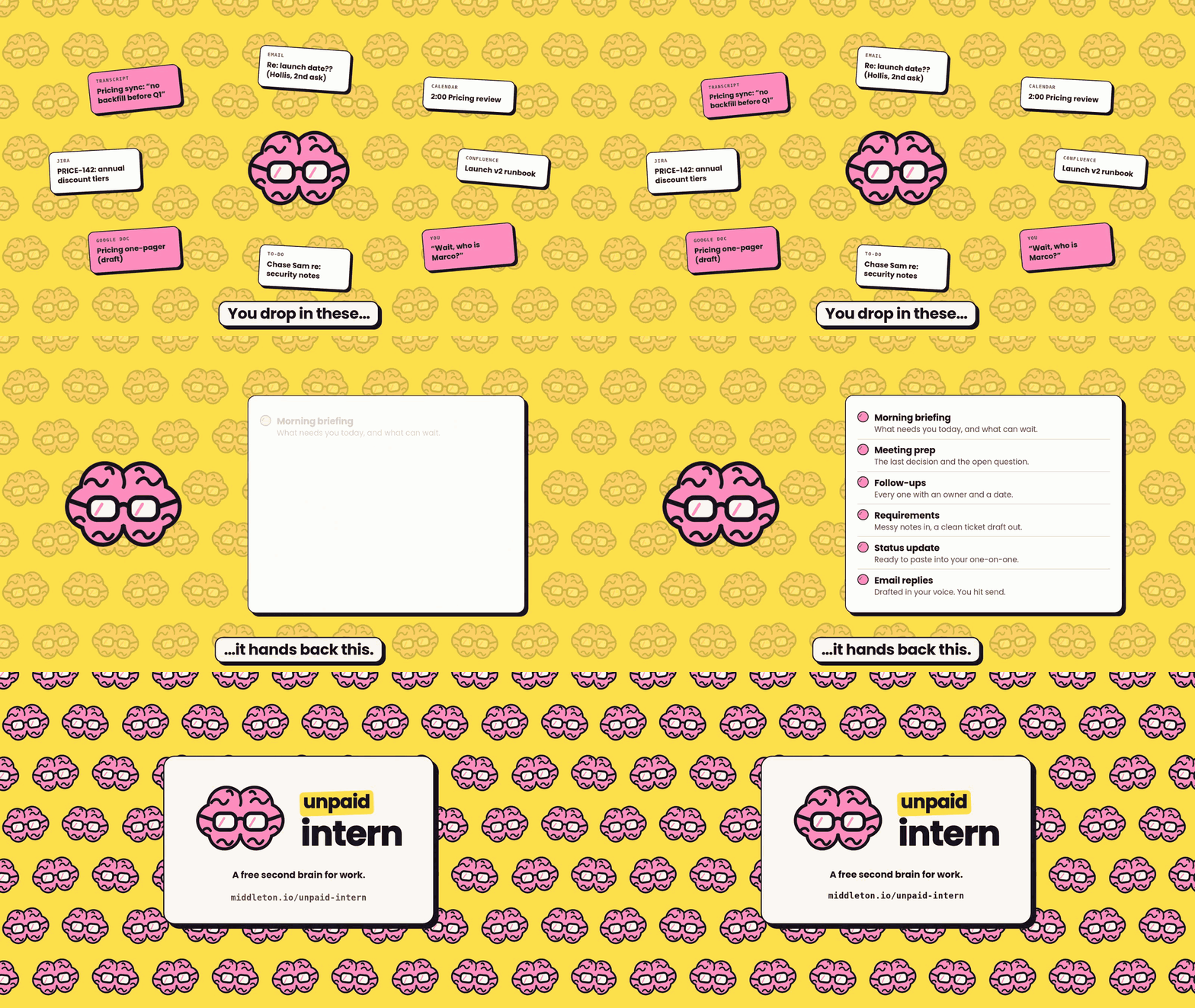
- Start with one folder. It's your second brain's home: notes on each project and on the people you work with, a glossary, and a running memory of follow-ups and decisions.
- Feed it. Drop in what comes at you: transcripts, PDFs, screenshots of chat threads, PowerPoint decks. If your company policy allows, connect email, calendar, chat, Jira, and Confluence so it can read those too.
- Let it create your knowledge base. Your second brain reads everything you give it and saves away every fact where it belongs in your personal knowledge base. A decision goes into that project's notes, follow-ups are captured with owners and dates, and a new name gets added to the list of people you work with.
- Ask your second brain things all day. Briefings, meeting prep, debriefs, status updates. Each one pulls from what it already knows about the project, so nothing starts from scratch. And the more you give it, the better context it will have.
- You make the calls. Your second brain can draft emails and messages ready for you to send, but nothing goes out or gets deleted without your approval.
- It keeps itself current. When you wrap up for the day, it logs what moved and what's still open, so tomorrow starts where today ended.

What my day looks like with a second brain
A second brain only helps if you use it consistently. I built a set of commands around the way a day really goes, for people who spend hours in meetings and need to maximize free moments during the day:
- Start of day:
/briefing. What needs attention, what's stuck on someone else, and what can wait. - Plans change:
/pulse. Only what changed since the briefing: new asks, collisions, and what resolved. - Before a meeting:
/prep. The last decision, the open question, and outcomes to drive during the meeting. - After the meeting:
/debrief. Paste in notes or a transcript to capture decisions and follow-ups with owners and dates, so next steps are clear. - A new requirement:
/write-epic. Meeting notes, previously captured requirements, and transcripts can easily be turned into draft tickets for Jira or Linear. - Something new:
/sync-kb, or just "file my inbox." All of your new learnings land in your knowledge base where they belong. If Confluence is connected, it can update corresponding pages too. - Catching up on a topic:
/learn. Need to onboard to a new area quickly? Just hand your second brain any docs you have and it can build a short lesson with a quiz to test your knowledge. - End of day:
/close. Catch anything left dangling from the day and map out the first move for tomorrow.
Each one of those started as a standalone prompt that I found myself using so often I made it into a proper command.

I built a second brain you can start using today
I built Unpaid Intern to be your second brain, so you don't have to build one from scratch. It's free, and it's the only intern who should be unpaid. Say "set me up" and it walks you through the rest. You get a real result before it asks you to connect anything, and it's especially handy if you just started somewhere new: it learns who's who from an org chart screenshot and keeps a glossary of every acronym you nod along to. It runs in Claude and Codex, and there's a no-install kit for Copilot, ChatGPT, and Gemini. In 301 test runs across 44 everyday situations, with connectors simulated, it never sent or deleted anything on its own.
See how it works and install it, or read the code on GitHub.
Your projects don't start over every morning, so your AI shouldn't either.